Hotel Invoice Automation Software
Terrace AI captures every vendor invoice, codes it to the right GL and outlet, matches it against purchase orders and receiving, routes it through your approval chain, and posts it to your ERP — without the manual keying and email chasing that slows hotel AP teams today.
- less time keying invoices
- 85%less time keying invoices
- faster approval cycle
- 6xfaster approval cycle
- OCR field accuracy
- 99%OCR field accuracy
One platform for every vendor invoice, from inbox to ERP.
Terrace ingests invoices from email, vendor portals, and uploads, extracts every line with hotel-tuned OCR, codes against your property chart of accounts, matches to open POs and receiving records, routes through your approval matrix, and posts to your ERP — replacing the spreadsheets, email chains, and rekeying that bottleneck most hotel AP teams.
- Hospitality-trained OCR for Sysco, US Foods, Ecolab, OS&E, and 1,000+ vendors
- Two-way and three-way PO matching with configurable tolerance rules
- Mobile approval workflow with delegation, escalation, and audit trail
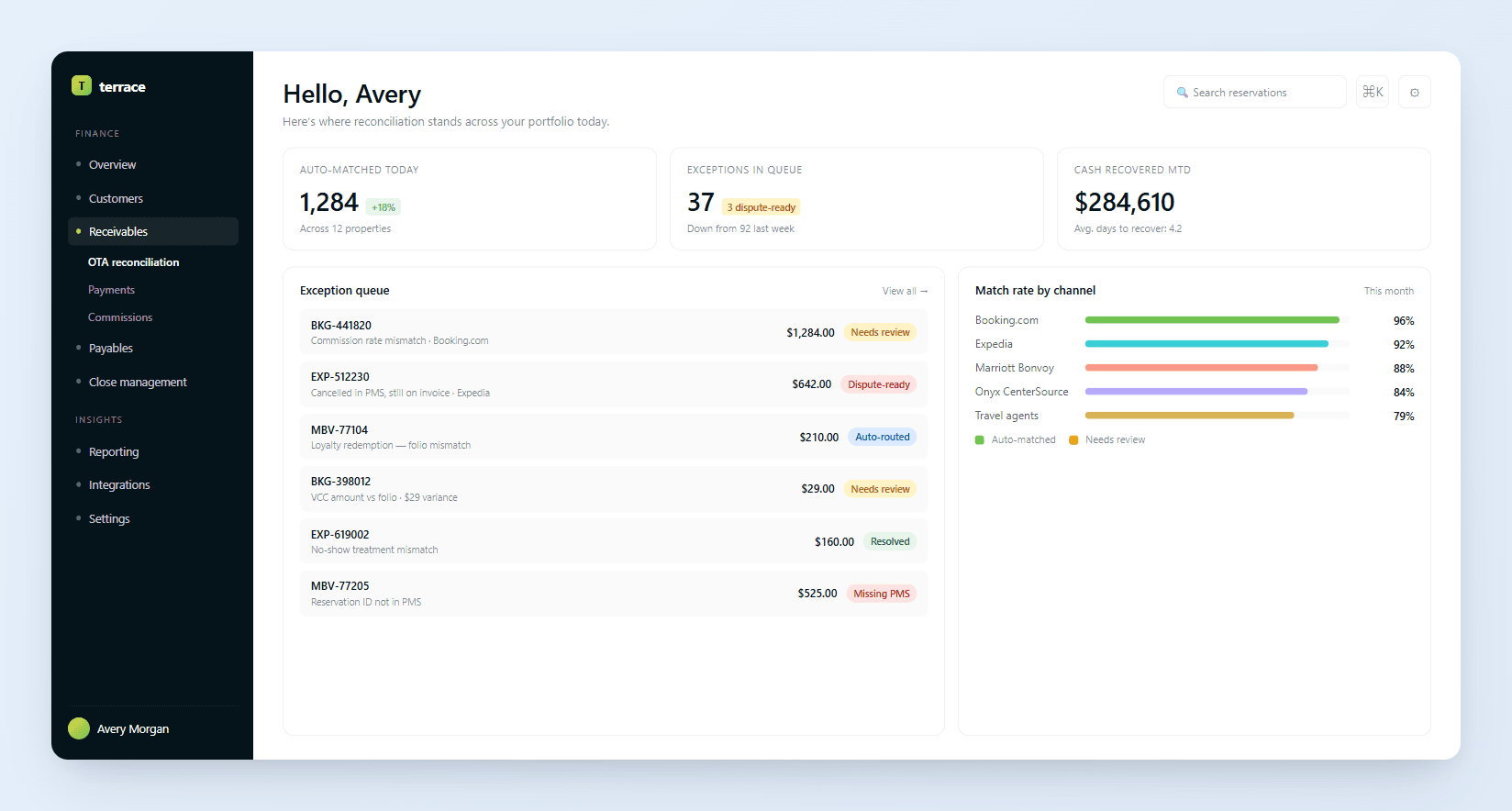
What is hotel invoice automation software?
Hotel invoice automation software captures vendor invoices the moment they arrive, extracts the data with OCR, applies GL coding against your property's chart of accounts, matches each line to the open purchase order and goods receipt, routes the invoice through your approval matrix, and posts it directly to your hotel ERP. The result is a single system of record for hotel AP that replaces paper invoices, email approval threads, and manual ERP entry.
For hotel finance teams — AP clerks, controllers, directors of finance, and operations leaders — invoice automation removes the highest-volume manual work from the close cycle. Properties and management companies can scale AP across more rooms and more vendors without hiring proportionally, and controllers gain real-time visibility into committed and posted spend.
- Every invoice captured from email, portals, and uploads
- Line-item OCR with hotel-vendor accuracy
- GL coding by property, outlet, and department
- PO and receiving matched with tolerance rules
- Approval routing by amount, category, and property
- Direct posting to Sage Intacct, M3, NetSuite, and more
Why hotel invoice processing is hard without automation
Paper and PDF invoices arrive from hundreds of vendors
Hotels work with food and beverage suppliers, OS&E vendors, utilities, contractors, brand-mandated providers, and OTAs — each sending invoices in different formats by email, mail, or vendor portal. Manual entry is the default and it does not scale.
GL coding is property-specific and inconsistent
Coding the same vendor's invoice to the correct department, account, and outlet differs by brand chart of accounts and by property. AP clerks rely on tribal knowledge or chase down department heads for guidance on every line.
PO matching is rarely a clean two-way or three-way match
Quantities received, prices on the PO, and the invoice rarely line up exactly. Partial deliveries, substitutions, and price changes from food and beverage vendors all need exception handling before the invoice can be posted.
Approval routing depends on amount, GL, and property
An $800 maintenance invoice may need an engineering manager's signature at one property and a GM signoff at another. Routing rules differ by brand SOP, by spend threshold, and by capex versus opex classification.
Late and lost invoices damage vendor relationships
When invoices sit in inboxes, get filed wrong, or stall in approval queues, vendors call asking for payment status. AP teams waste hours fielding status calls and chasing approvers instead of processing the next batch.
Audit trails are scattered across email, paper, and ERP
Compliance reviews and franchisor audits need a clean record of who approved what and when. Pulling together that history from email threads, signed PDFs, and ERP postings is slow and error-prone.
What data needs to be matched for hotel invoice automation?
- Vendor name
- Invoice number
- Line items
- Total amount
- PO number
- Vendor
- Line quantity
- Unit price
- Received quantity
- Receive date
- Receiver initials
- Vendor ID
- Payment terms
- W-9 status
- Remit-to address
- Account code
- Department
- Outlet
- Cost center
- Approver
- Threshold
- Spend category
- Property
Common hotel invoice processing exceptions
The invoice references no PO, or the PO number on the invoice does not exist in the procurement system. The invoice cannot be three-way matched and needs a non-PO approval path.
Receiving recorded a different quantity than what the vendor billed. Common with produce, banquet supplies, and partial deliveries.
The vendor billed a different price per unit than what was agreed on the PO or in the master service agreement, triggering a price-variance review.
The same invoice number, vendor, and amount was already captured and is at risk of being paid twice if approved again.
A single invoice covers items that belong to multiple outlets or departments and needs to be split before posting.
The required approver is unavailable or the invoice exceeds the approver's authority and must be routed to a delegate or higher authority.
How hotel AP teams process vendor invoices manually today
- 1
Collect invoices from email, paper mail, and vendor portals into a shared AP inbox or folder.
- 2
Open each invoice, key the vendor, invoice number, date, and line totals into the ERP or AP system.
- 3
Look up the chart of accounts and code each line to the correct GL account, department, and outlet.
- 4
Find the matching purchase order and compare line quantities and prices to the invoice.
- 5
Check receiving records to confirm the goods or services were delivered as billed.
- 6
Route the invoice to the appropriate approver based on amount, category, and property.
- 7
Follow up with approvers by email or in person to get sign-off, then collect signed PDFs.
- 8
Post the approved invoice to the ERP, file the source document, and update the audit log.
Automated hotel invoice processing with Terrace AI
Terrace AI captures every invoice, codes and matches it automatically, routes it through your approval chain, and posts it to your ERP — turning a multi-day manual cycle into an exception-only review.
OCR capture
Invoice OCR for hotels
Terrace captures every vendor invoice from email, supplier portals, and uploads, then extracts header data and every line item with field-level confidence scoring tuned for hospitality vendors.
GL coding
AI-assisted GL coding by property
Each invoice is coded against the property-specific chart of accounts and outlet structure, learning from historical postings so frequent vendors auto-code with high confidence.
PO matching
Two-way and three-way PO matching
Terrace matches every invoice line to the open purchase order and the goods receipt record, applies tolerance rules, and surfaces quantity, price, and receipt variances as exceptions.
Approval routing
Hotel AP approval workflow
Approval rules route each invoice by amount threshold, GL category, and property to the correct approver, with mobile sign-off, delegation, and escalation if an approver is unavailable.
ERP posting
Posting to your ERP
Approved invoices post directly to Sage Intacct, M3, NetSuite, and other hotel ERPs with no rekeying. Posted invoices stay linked to the source document and approval trail.
Audit trail
Full audit trail and search
Every captured invoice, edit, comment, approval, and posting is stored with full history. Auditors and brand reviewers can pull any invoice in seconds with the supporting evidence attached.
| Source record | PMS record | Issue detected | Terrace status |
|---|---|---|---|
| INV-882104 — Sysco produce $4,218.40 | PO-77410 — Open, $4,200 expected | Price within tolerance; quantity match | Auto-matched |
| INV-771089 — Ecolab chemicals $912.55 | PO-77512 — Open, $880.00 expected | Unit price variance on line 3 (+3.7%) | Needs review |
| INV-660122 — Otis elevator $1,650.00 | No PO on file | Non-PO service invoice; needs engineering signoff | Needs review |
| INV-901447 — Aramark linens $3,884.10 | PO-78021 — Open, $3,884.10 expected | Awaiting GM approval over $3,500 threshold | Needs review |
| INV-554210 — Sysco duplicate $4,218.40 | INV-882104 already posted | Duplicate invoice number, vendor, and amount | Dispute-ready |
Put hotel revenue on autopilot
From OTA statement to GL posting — faster cash, accurate books, and less manual reconciliation.
Frequently asked questions
Hotel invoice automation is the use of OCR, machine learning, and workflow software to capture vendor invoices, code them to the right GL accounts, match them against purchase orders and receiving records, route them for approval, and post them to the ERP — replacing the manual entry and email-based approval process most hotel AP teams run today.
Continue exploring AR reconciliation workflows
The full Terrace AP platform for hotel finance teams — capture, code, approve, and pay.
Native integrations with Sage Intacct, M3, NetSuite, and the leading hotel PMS platforms.
Turn approved invoice data into real-time spend and operating cost reporting by property.
Purpose-built agents for coding, matching, approval routing, and exception handling.